
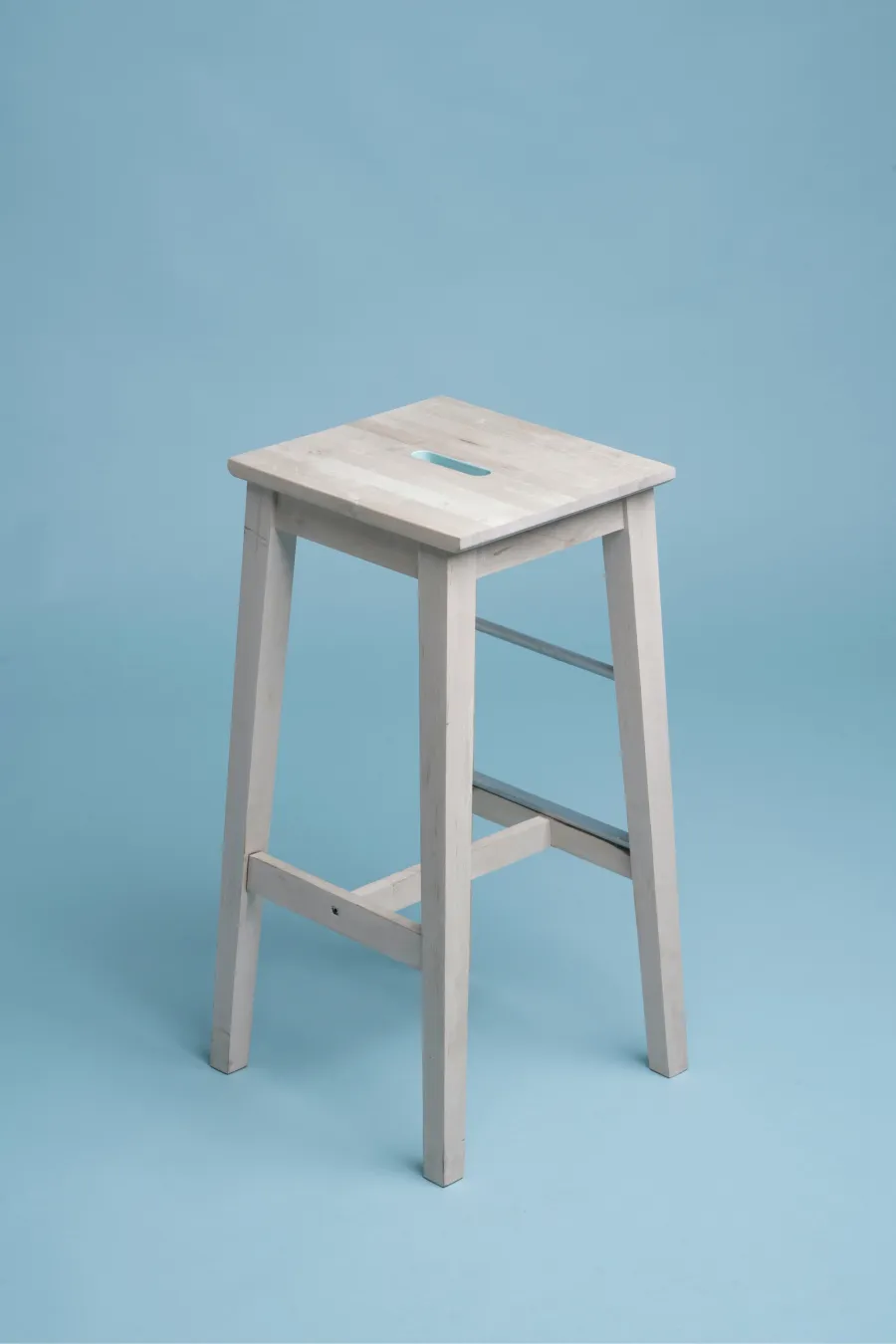
Why Bar Stools Are One of the Most Returned Furniture Items
Bar stools consistently rank among the highest-return furniture items on Amazon. The primary reason is height mismatch — buyers purchase a stool without realizing it doesn't match their counter or island height. Industry data suggests that over 50% of bar stool returns cite "wrong height" or "doesn't fit my counter" as the reason.
The core problem: bar stools come in three distinct height categories, but most listings only show a single "height" number without clarifying whether it refers to seat height or overall height.
The Three Standard Bar Stool Heights
| Stool Type | Counter/Bar Height | Recommended Seat Height | Typical Overall Height |
|---|---|---|---|
| Counter Height | 36 in (91 cm) | 24-26 in (61-66 cm) | 33-36 in (84-91 cm) |
| Bar Height | 42 in (107 cm) | 28-30 in (71-76 cm) | 40-44 in (102-112 cm) |
| Extra Tall | 44-47 in (112-119 cm) | 33-36 in (84-91 cm) | 44-48 in (112-122 cm) |
The general rule: seat height should be 9-13 inches (23-33 cm) below the counter surface. This gap provides comfortable legroom.
What We Annotated with SizeMarker
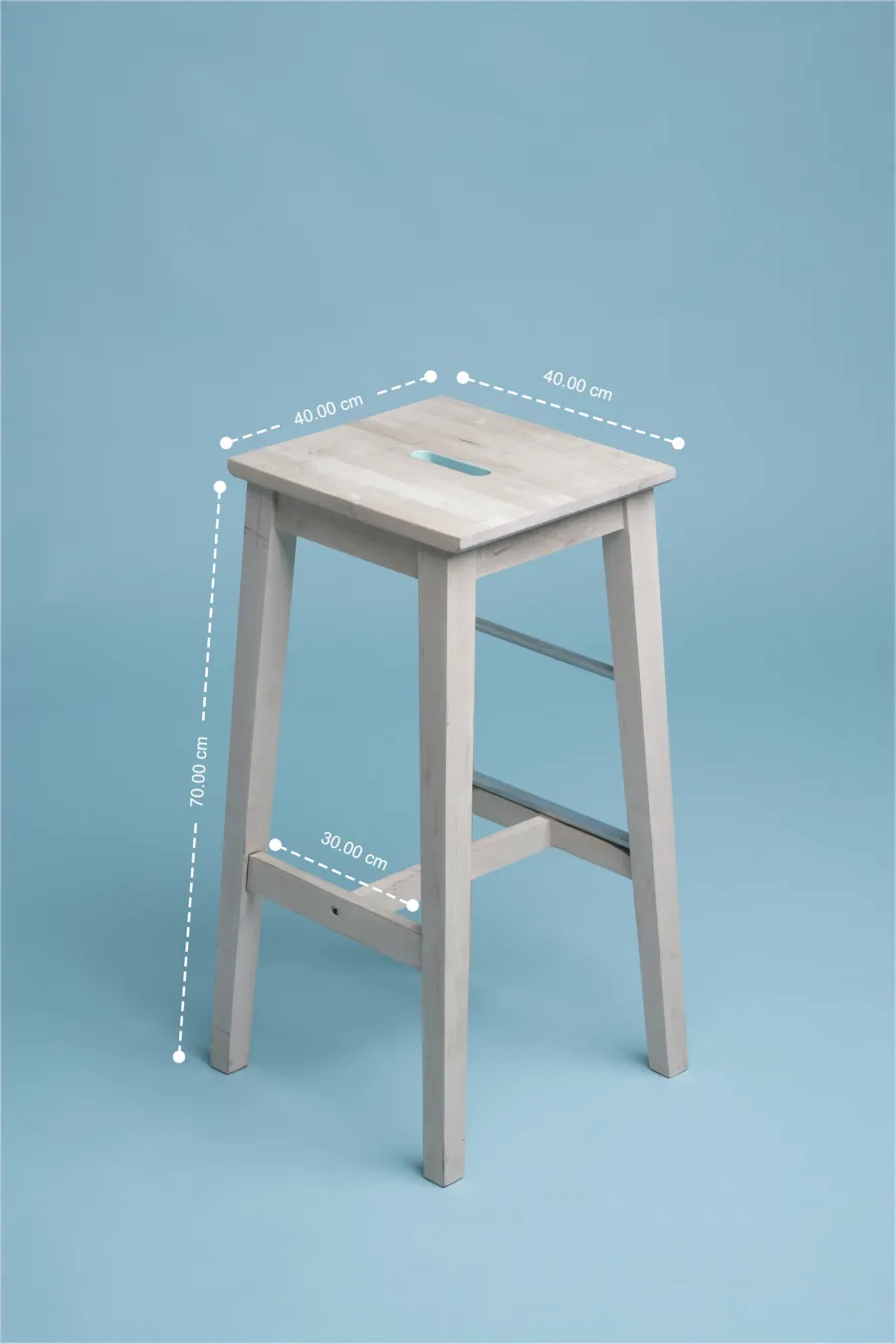
We added clear dimension annotations directly on the product listing images:
- Seat height — The single most critical measurement. This determines counter compatibility
- Overall height — From floor to top of backrest. Helps buyers visualize the stool in their space
- Seat width and depth — Important for comfort assessment, especially for wider body types
- Footrest height — An ergonomic detail that affects long-sitting comfort
- Base spread — The distance between legs at floor level, important for storage and floor clearance
The annotation style uses clean dimension lines with measurements in both inches and centimeters, making the information accessible to international buyers.
Before vs. After: What Changed
Before Annotations
- The listing description mentioned "Height: 30 inches" without specifying seat vs. overall height
- Customer questions about sizing accounted for 40% of all inquiries
- Return rate for size-related issues was approximately 18%
- Buyers frequently complained: "shorter than expected" or "too tall for my island"
After Annotations
- Every key dimension is visible directly on the product image
- Buyers can instantly determine if the stool fits their specific counter height
- The need to message the seller before purchasing dropped dramatically
- Buyers reported feeling more confident in their purchase decision
Results
| Metric | Change |
|---|---|
| Size-related customer questions | Reduced by 80%+ |
| Size-related return rate | Cut by approximately 50% |
| Silent checkout rate | Significantly increased |
| Average time to purchase decision | Decreased |
Best Practices for Annotating Furniture Dimensions on Amazon
- Always show seat height separately from overall height — These are two different numbers that serve different purposes
- Use both imperial and metric units — Amazon serves international buyers
- Place dimension images in positions 2-4 — The main image must be clean (Amazon policy), but secondary images can include annotations
- Use consistent annotation style — Same line weight, font, and color across all product images
- Include a scale reference — Show the stool next to a standard counter or a person for instant size perception
- Annotate the footrest — This is the most commonly forgotten dimension that affects comfort
FAQ
What's the difference between seat height and overall height for bar stools?
Seat height is measured from the floor to the top of the seat surface — this is the number that determines counter compatibility. Overall height is from the floor to the top of the backrest. When choosing a bar stool, focus on seat height first, then check that overall height works with your space.
Can I add dimension annotations to the main image on Amazon?
No. Amazon's main image policy requires a clean product photo on a pure white background with no text or graphics. Dimension annotations should be placed on secondary images (positions 2-7). Most successful sellers place their dimension image in position 2 or 3.
How many dimensions should I annotate on a bar stool listing?
Focus on 3-5 key measurements. At minimum, include seat height, overall height, and seat width. If the stool has distinctive features like a footrest or swivel base, annotate those dimensions too.
Do dimension annotations really reduce returns?
Yes. For furniture products, clear dimension images are one of the most effective tools for reducing returns. When buyers can verify measurements before purchasing, "wrong size" returns drop significantly. Multiple Amazon furniture sellers report 30-60% reductions in size-related returns after adding dimension images.
Add Professional Dimension Annotations to Your Listings
If you sell furniture on Amazon and want to add clear, professional dimension annotations to your product images, SizeMarker makes it simple. Upload your product photo, drag to add dimension lines, and export — no Photoshop skills required.